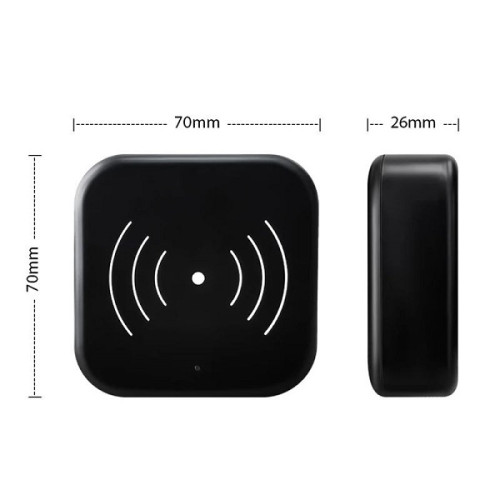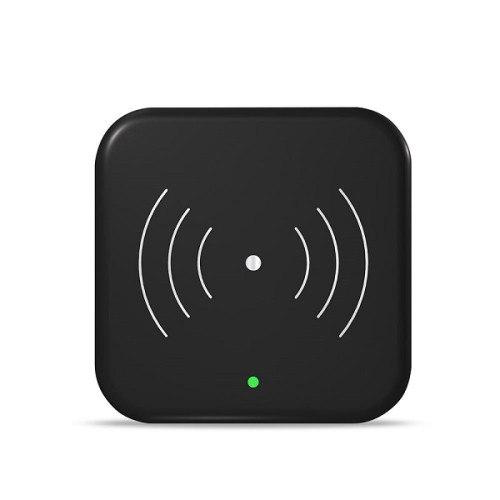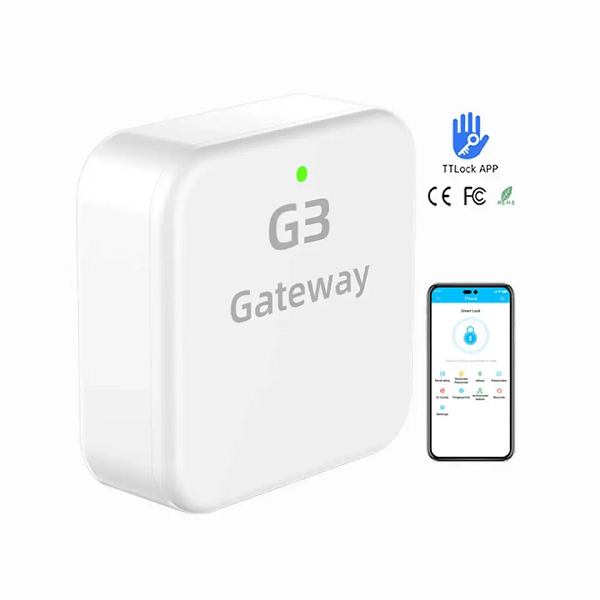
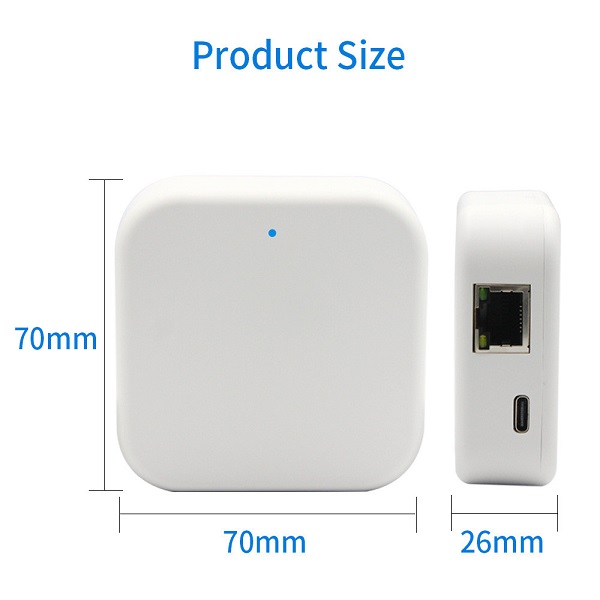
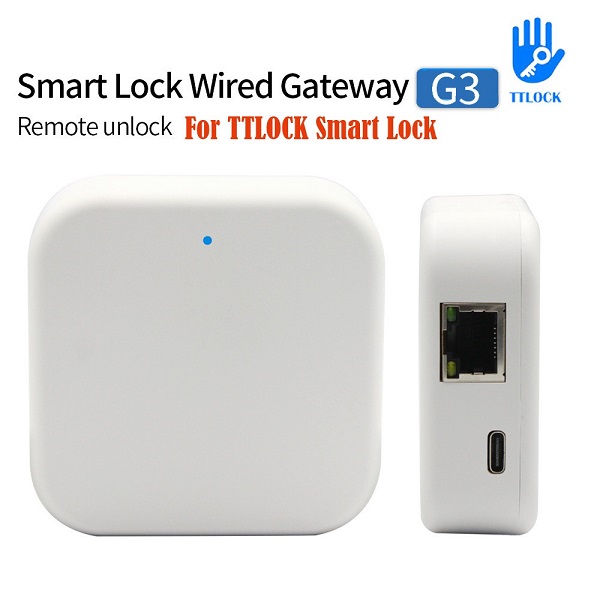
//TTLock G3 Gateway HMT-G3

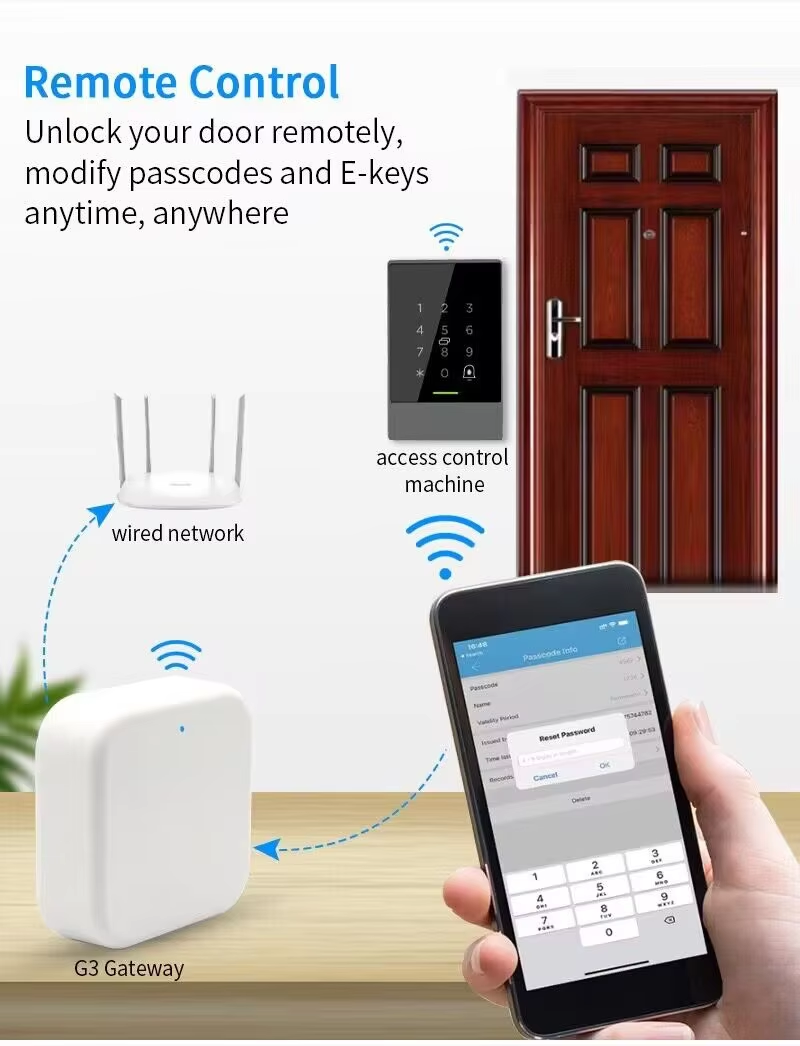
TTLock G3 Gateway HMT-G3

Model No.: HMT-G3

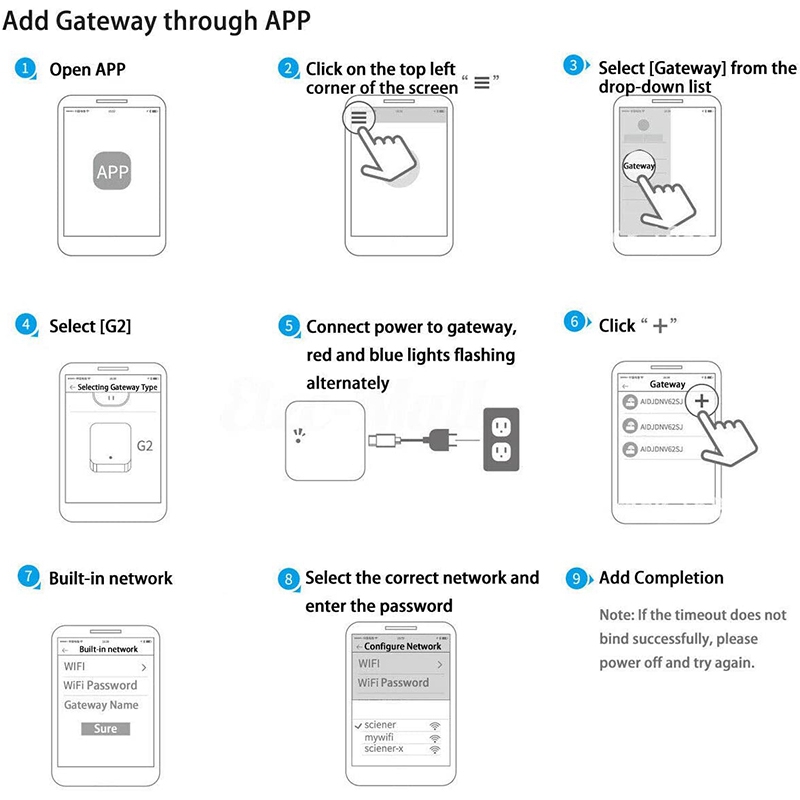
1. Enter into our “T T lock” App
2. Get into the “system setting”
3. Turn on the power to the gateway. The red and blue lights flash to add.
4. After the APP configures the network for the gateway, it can be added. When the gateway is successfully added, the gateway automatically searches for the locks bound in the connection account.
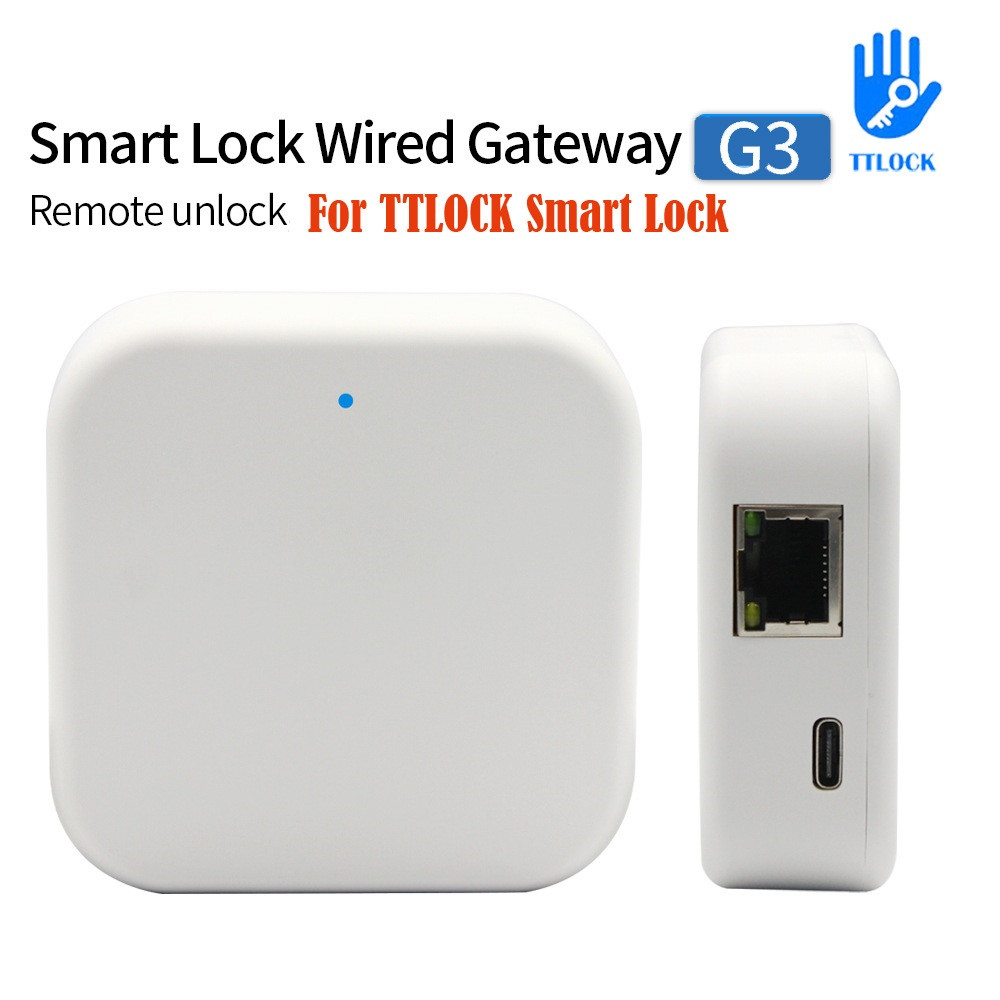
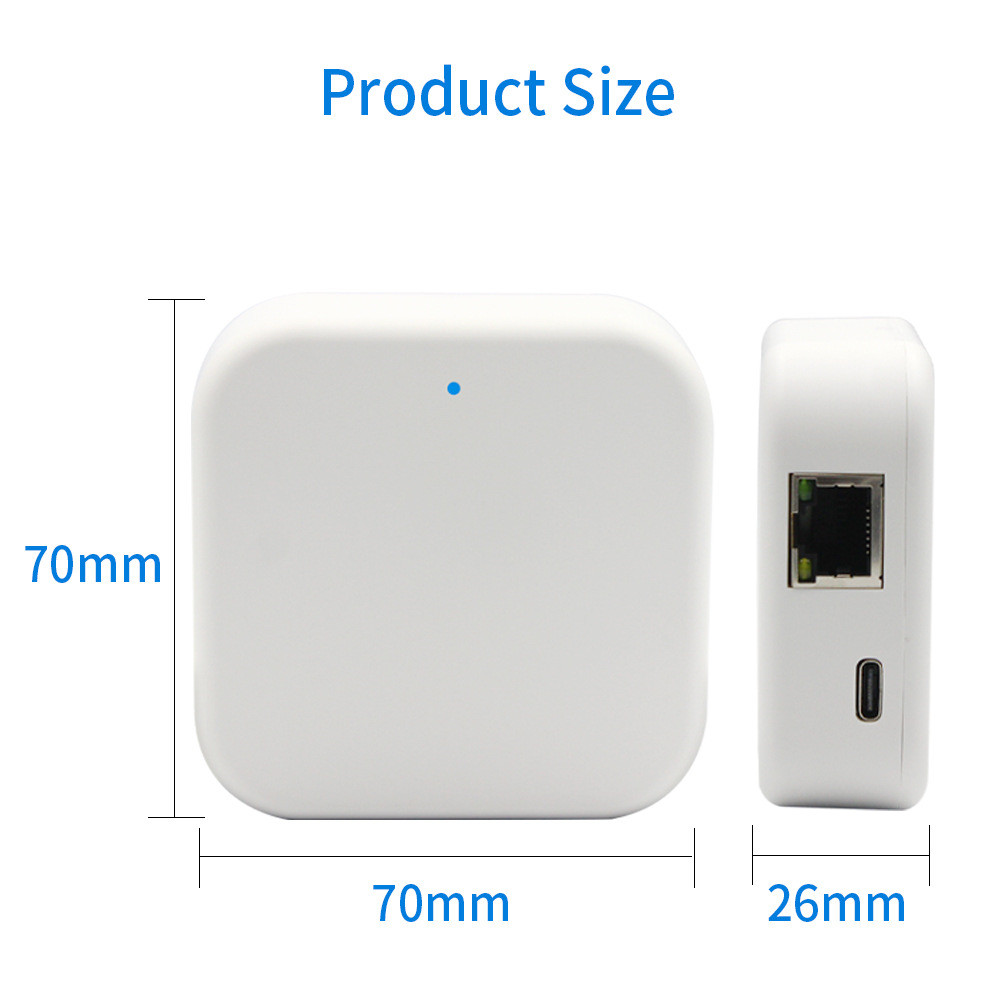
Product Description

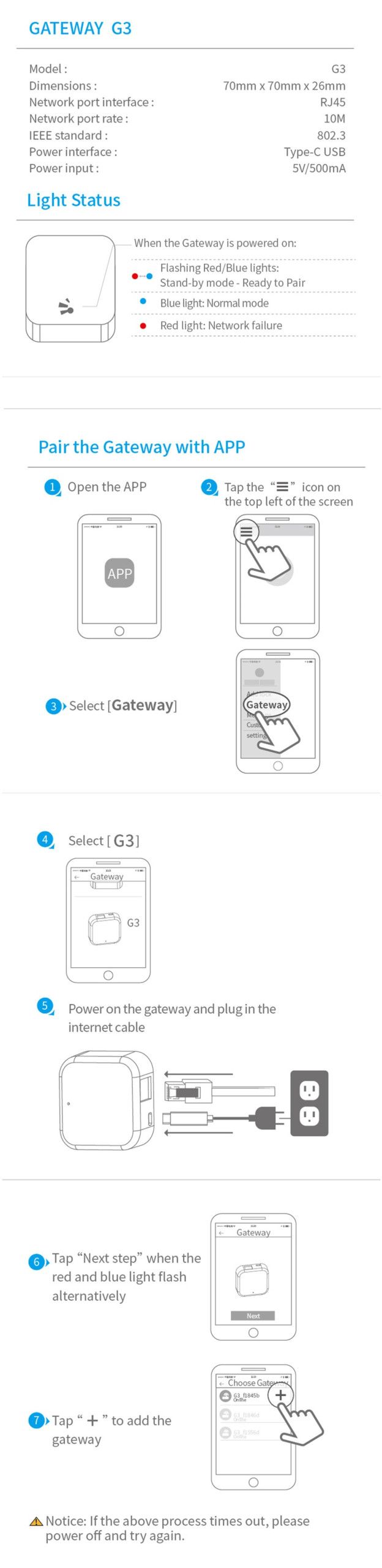
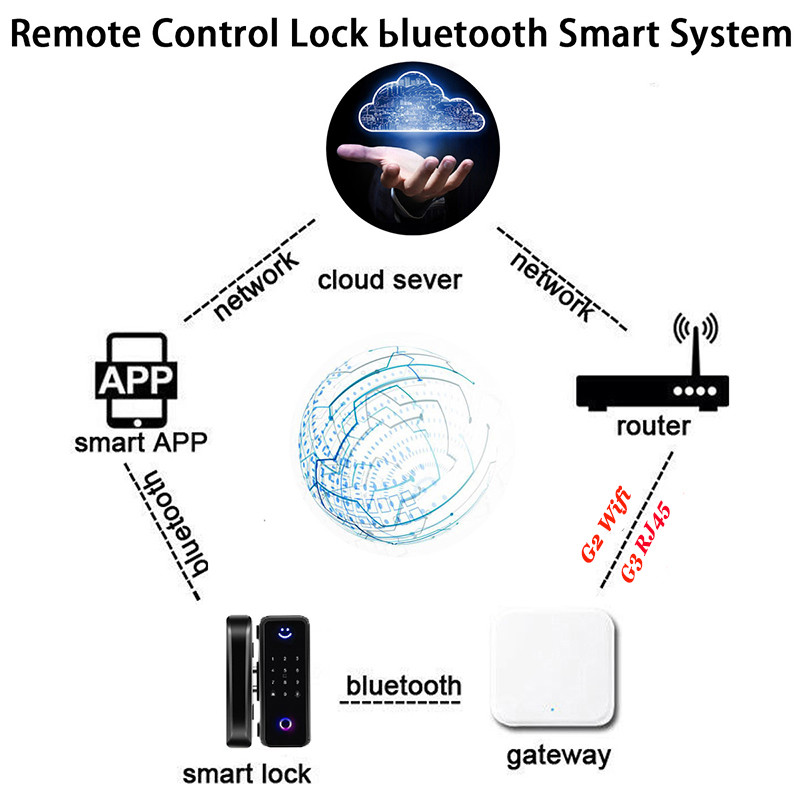
How to pair the gateway with the lock:

1. Enter into our “T T lock” App
2. Get into the “system setting”
3. Turn on the power to the gateway. The red and blue lights flash to add.
4. After the APP configures the network for the gateway, it can be added. When the gateway is successfully added, the gateway automatically searches for the locks bound in the connection account.
Light status description: Red and blue lights flash alternately: ready state, currently can be bound by APP Red: The network is
not smooth enough to communicate with the server Blue: indicates normal working status and cannot be bound.

GATEWAY USR MANUAL

Your Name (required)

Your Email (required)

Your Message